How to redeem Roblox codes in any game
The universal patterns behind every Roblox codes menu — and the game-specific quirks that trip people up.
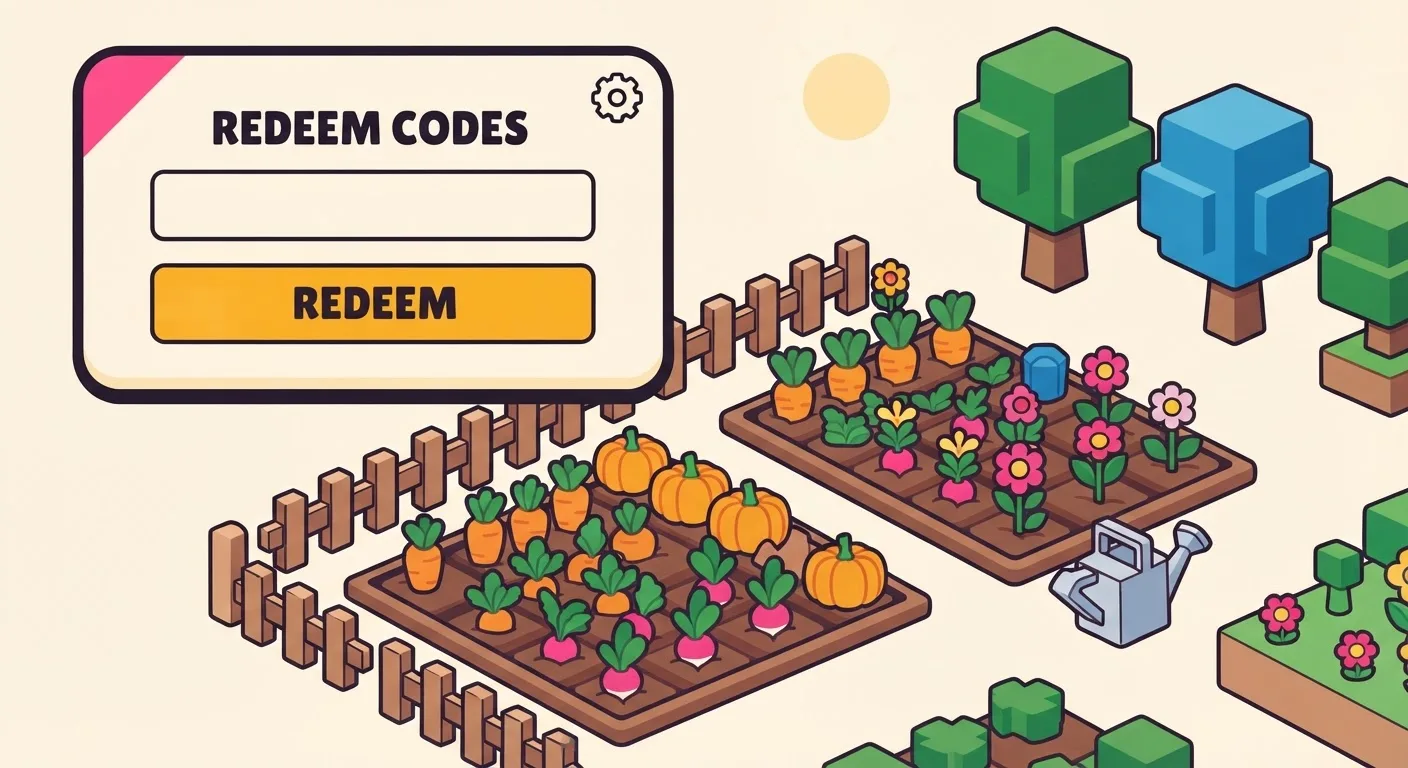
Every Roblox experience implements its own codes system, but after tracking codes across dozens of games, the same few patterns cover almost everything you’ll meet. Here’s the map.
The four places codes menus hide
1. Settings cogwheel. The most common spot. Games like Grow a Garden put a “Redeem Codes” section inside the settings panel, usually in the top-left corner of the screen.
2. A dedicated Codes or Rewards button. Shooters and arena games favor this — Hypershot uses a “Rewards” button in the top menu, and Twenty One puts “Codes” in the bottom-right of the main menu.
3. Inside the Shop. Simulator-style games often bury codes in the shop UI as a tab. Voxel Fighters and Plants vs Brainrots both do this — and both require finishing the tutorial before the tab appears at all.
4. Icon-based menus. Some games use a themed icon: Blox Fruits hides codes behind the Settings/Gift icon, and 99 Nights in the Forest uses a diamond icon in the lobby. Fisch tucks its box inside a generic top-screen “Menu” button, under an “Other” tab — easy to miss if you’re only scanning for a labeled Codes button.
Rules that apply everywhere
- Case matters. Most Roblox codes are case-sensitive.
STORYandstoryare different strings to the redeem system. Copy-paste beats typing, every time — that’s why every code on our pages has a copy button. - Codes are account-wide, one-time. You can’t redeem the same code twice, and redeeming on mobile counts for your PC sessions too.
- Timed boosts start immediately. A “2x EXP for 20 minutes” code begins counting down the second you redeem it. Stack boost codes with a play session, not with your bedtime.
- Expired means expired. Developers pull codes without notice, often right after an event ends. If an exact copy-paste fails, the code is dead — no trick revives it.
The weird exceptions
A few games break the pattern entirely. The best current example is 99 Nights in the Forest, where one reward — the “yay fishing” gems — is a chat command, not a menu code: you have to upgrade your campfire to Level 2, equip an Old Rod near the fishing area, and type the phrase into chat mid-run.
When a game has quirks like this, we spell out the exact steps on its codes page instead of assuming the standard flow. If a code needs a tutorial finished first, a specific menu path, or a chat trigger, you’ll find it in the “How to redeem” section.
What a successful redemption actually looks like
Most Roblox code systems confirm a win the same way: a short popup or toast message (“Code redeemed!”), sometimes a sound effect, and the reward appearing in your inventory or currency counter within a second or two — you shouldn’t have to guess whether it worked. If you hit Submit and nothing at all happens — no popup, no error, no sound — that usually means the redeem box didn’t register your input at all (a stray space at the end from copy-pasting is a common cause). If you get an explicit “invalid code” message, the code itself is the problem, not your input method.
Codes still not working?
Nine times out of ten it’s case sensitivity or expiry — but there’s a longer checklist, including region-specific rollouts and redeem-limit bugs. We keep a full troubleshooting guide here: Why your Roblox codes aren’t working.
Quick FAQ
Do I need Robux to redeem a code? No. Every code we track is a free reward from the game’s own developers. If anything asks you to pay, or to log in somewhere that isn’t the Roblox game itself, it isn’t a real code redemption flow.
Can I redeem the same code on two different accounts? Usually yes — the “one-time” rule applies per account, not per code globally. What you can’t do is redeem the same code twice on the same account.
Does it matter if I redeem on mobile vs. PC? No. Codes are tied to your Roblox account, not your device, so a code redeemed on your phone carries over to your next PC session and vice versa.